How to Run Games for Neurodiverse Players
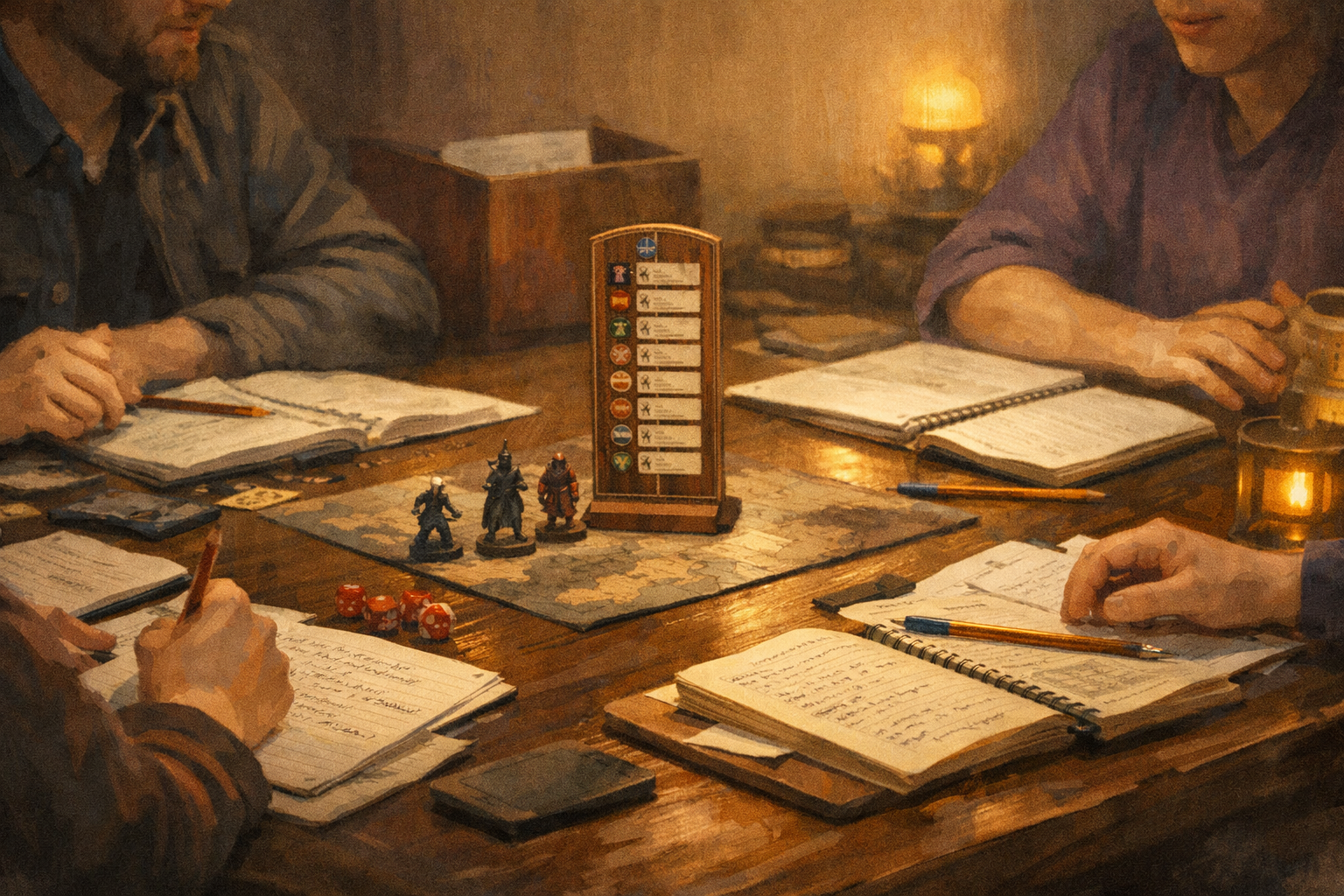
You don’t need a clinical background to run an accessible table. You need curiosity, structure, and the willingness to adjust how the game shows up at the table.
Here’s the quiet truth most experienced GMs eventually learn: if your game works well for neurodiverse players, it almost always works better for everyone. Clear expectations reduce anxiety. Predictable pacing keeps energy up. Written reminders prevent rules debates. Scheduled breaks stop burnout before it starts. None of that waters the game down. It sharpens it.
This guide is not about diagnosing players or labeling behavior. It is about running games that respect different ways of thinking, focusing, processing, and communicating. It is a how-to, built for real tables, real time constraints, and real groups that want to keep playing together.
Why this matters more than you think
Neurodiversity is not rare at gaming tables. Depending on the definition and population:
- Autism is identified in roughly 1 in 31 children in the United States.
- Adult ADHD prevalence is commonly estimated at around 2.5%.
- Dyslexia and related learning differences affect millions of adults worldwide, with estimates varying based on diagnostic criteria.
You do not need exact numbers to run a better game. The takeaway is simple: odds are high that neurodivergent players are already at your table, even if no one has said anything. Designing for accessibility by default saves everyone from awkward retrofits later.
A mindset shift that changes everything
Before we talk tools, let’s reframe the goal.
You are not “accommodating problem players.”
You are configuring the table.
Think of your game like software. Different tables need different settings. Subtitles on or off. Dark mode or light mode. Auto-save enabled. None of those settings imply something is broken. They imply intention.
Once you approach neurodiversity as table configuration rather than personal exception, the rest becomes straightforward.
Step 1: Build accessibility into Session Zero
Session Zero is where accessibility succeeds or fails. If you wait until someone is overwhelmed mid-combat, you are already behind.
Use an Accessibility Menu, not a spotlight
Instead of asking, “Does anyone have special needs?” provide a menu of options and let players opt in privately or publicly.
Example language you can use verbatim:
“Everyone processes games differently. Here are some table options I’m happy to use. You can tell me now or message me later which ones help you.”
Your menu might include:
- Scheduled breaks every 60–90 minutes
- Camera optional for online games
- Rules summaries after complex scenes
- Visual initiative tracking
- Written quest objectives
- Reduced cross-talk during turns
- Permission to step away without explanation
- Content warnings before intense scenes
The power move here is that everyone gets the same menu. No one has to self-identify to belong.
Always offer private follow-ups
Some players will not speak up in a group, even when invited. Always end Session Zero with:
“If anything comes to mind later, you can message me one-on-one.”
That sentence alone solves more problems than any safety tool.
Step 2: Design a low-ambiguity game loop
Ambiguity is exciting for some players and exhausting for others. Neurodivergent players often struggle not with complexity, but with unclear expectations.
Your job is not to remove uncertainty from the story. It is to remove uncertainty from the process.
Make the game loop visible
At any moment, players should be able to answer three questions:
- What is happening right now?
- What choices do I reasonably have?
- When do I need to act?
You can support this with simple habits:
- State scene goals out loud.
- Summarize options when players hesitate.
- Use phrases like “You have time to think” or “We’re moving into action now.”
This helps autistic players who need clarity, ADHD players who struggle with transitions, and anxious players who fear making the “wrong” move.
Write things down on purpose
Whiteboards, shared docs, index cards, or VTT notes are not crutches. They are memory aids.
Write down:
- Initiative order
- NPC names
- Quest objectives
- Key rules rulings
When information exists outside someone’s head, cognitive load drops instantly.
Step 3: Engineer spotlight and pacing
Many accessibility issues show up during combat or long scenes. The fix is rarely mechanical complexity. It is spotlight control.
Use predictable turn structure
Tell players when they are “on deck.”
Keep initiative visible.
Announce whose turn is coming next.
This reduces anxiety and prevents attention drift.
If you want a practical rule:
- If a player hasn’t acted in 2–3 minutes, summarize and prompt.
- Offer two or three clear choices rather than an open field.
Reduce dead time, not roleplay
Dead time is poison for ADHD players. Long stretches where nothing is expected of them feel endless, even if the scene is interesting.
Solutions that work:
- Shorter turns with clearer decisions
- Rotating spotlight in social scenes
- Cutting away and coming back intentionally
You are not rushing the story. You are trimming the silence around it.
Step 4: Treat sensory input as a game component
Lighting, noise, seating, and visual clutter matter more than most GMs realize.
In-person tables
Simple changes can have huge impact:
- Lower background music volume or remove it entirely
- Avoid flashing lights or candles near eye level
- Allow quiet fidgeting
- Give players control over where they sit
Normalize movement. Standing, pacing, or stepping outside is not disrespectful. It is regulation.
Online tables
Digital play has its own sensory challenges:
- Camera optional policies reduce burnout
- Text chat summaries help players who miss spoken details
- Clear turn order prevents audio chaos
- Captions or chat logs help players with auditory processing differences
Accessibility online is mostly about permission, not technology.
Step 5: Prepare for overload before it happens
Overload does not always look dramatic. It can look like silence, irritability, rules fixation, or sudden disengagement.
The worst response is freezing because you do not know what to do.
Use a simple traffic-light protocol
You can explain this once and then just use it.
- Green: Play continues normally.
- Yellow: You slow down. Reduce cross-talk. Summarize options.
- Red: Pause. Take a break. No explanations required.
If someone steps away, you do not interrogate them later. When they return, you give a brief recap and move on.
This protocol protects dignity and keeps the game flowing.
Step 6: Safety tools are accessibility tools
Lines, veils, X-cards, rewind tools, and content warnings are often framed as emotional safety measures. They are also cognitive safety measures.
Knowing that you can stop or redirect a scene lowers baseline stress. Lower stress means better focus, better play, and better memory.
Use safety tools early and neutrally. Do not reserve them for emergencies. When tools are normalized, they are used responsibly.
Step 7: Close the loop with micro-debriefs
Accessibility is not a one-time setup. It is a living system.
At the end of sessions, ask two questions:
- What helped tonight?
- What should we change next time?
Keep it short. Two minutes is enough.
This does three things:
- It surfaces small issues before they become big ones
- It models that feedback is welcome
- It gives players permission to advocate for themselves
You do not need to fix everything immediately. You need to listen consistently.
A short story from the GM chair
Barry once ran a game where a player went silent every combat. Not disruptive. Not rude. Just… gone.
His first instinct was mechanical. Maybe combat bored them. Maybe the system was wrong.
The real issue was simpler. They could not track initiative mentally while processing tactics and table noise. Once he put initiative on a whiteboard and announced “on deck,” they became one of the most engaged players at the table.
Nothing about the story changed. Everything about the experience did.
That is what good accessibility looks like. Quiet, effective, and invisible once it works.
Common mistakes to avoid
Even well-meaning GMs fall into these traps:
- Over-explaining diagnoses. You do not need medical language at the table.
- Singling players out. Default options prevent awkwardness.
- Treating accommodations as favors. They are table settings.
- Waiting for a crisis. Proactive structure prevents burnout.
If you avoid these, you are already ahead of the curve.
Why this makes you a better GM
Running games for neurodiverse players improves:
- Pacing
- Clarity
- Player trust
- Table longevity
It reduces miscommunication, prevents burnout, and creates space for deeper roleplay. These are not niche benefits. They are core GM skills.
Accessibility is not about lowering difficulty. It is about lowering friction.
Final thoughts and your next step
You do not need to overhaul your campaign. Start small.
For your next session:
- Add one written aid.
- Schedule one break.
- Make one expectation explicit.
Then ask for feedback.
If you want a concrete takeaway, here it is: design your table so no one has to struggle in silence. When players feel safe asking for what they need, the game gets sharper, faster, and more memorable.

Posted on February 16, 2026, in Blog. Bookmark the permalink. Leave a comment.





 Rokk Talk
Leave a comment
Comments 0